
Researchers & readers
Clip articles and papers into consistent notes so literature reviews and newsletters stay organized.
Cataloger.me turns links into markdown notes—TL;DR, key points, diagrams—and files them into topic folders in your personal knowledge base. Paste a URL, forward from WhatsApp, or drop files from a watched folder.
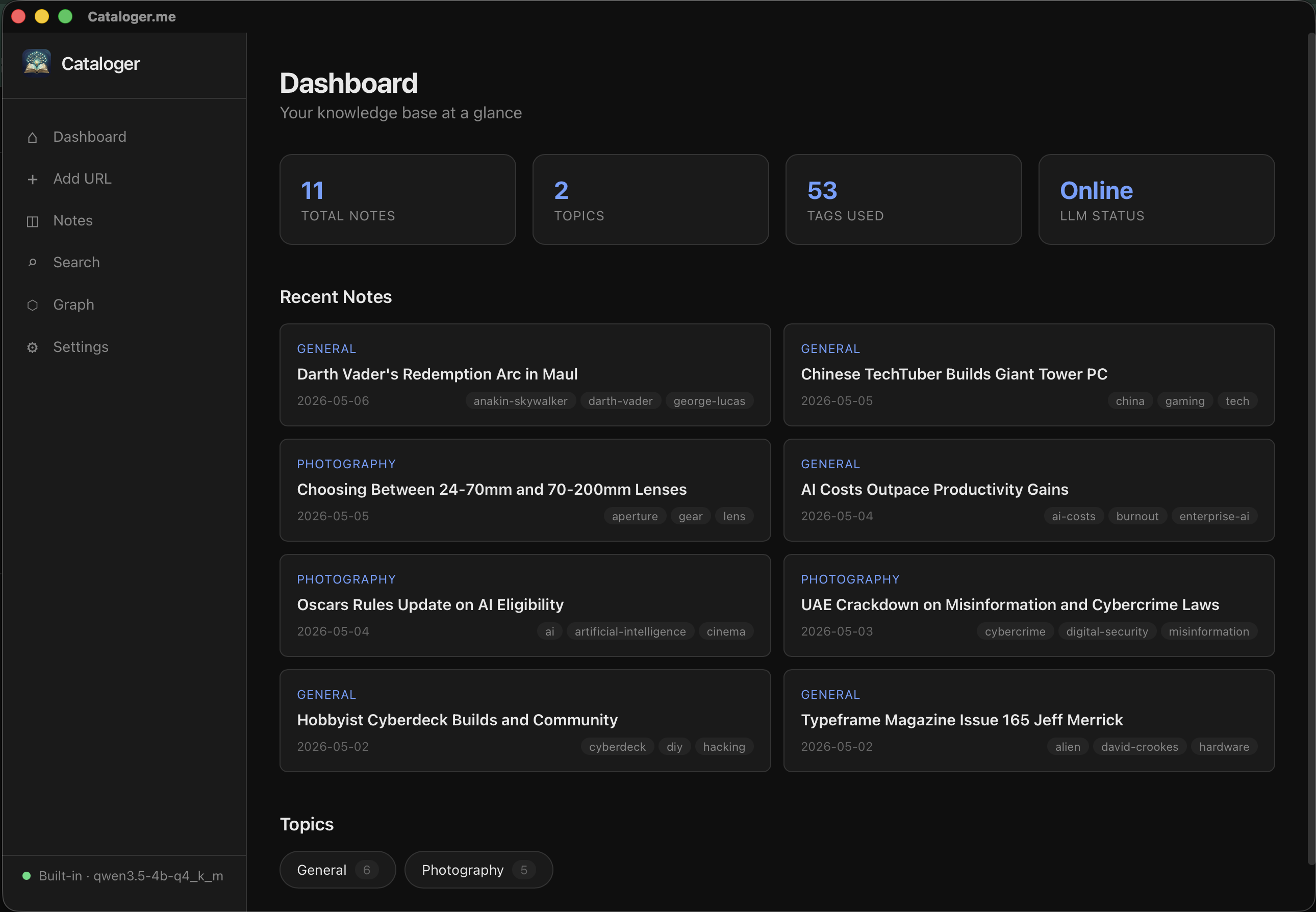
See how links become structured notes, diagrams, and a library you can search in seconds.
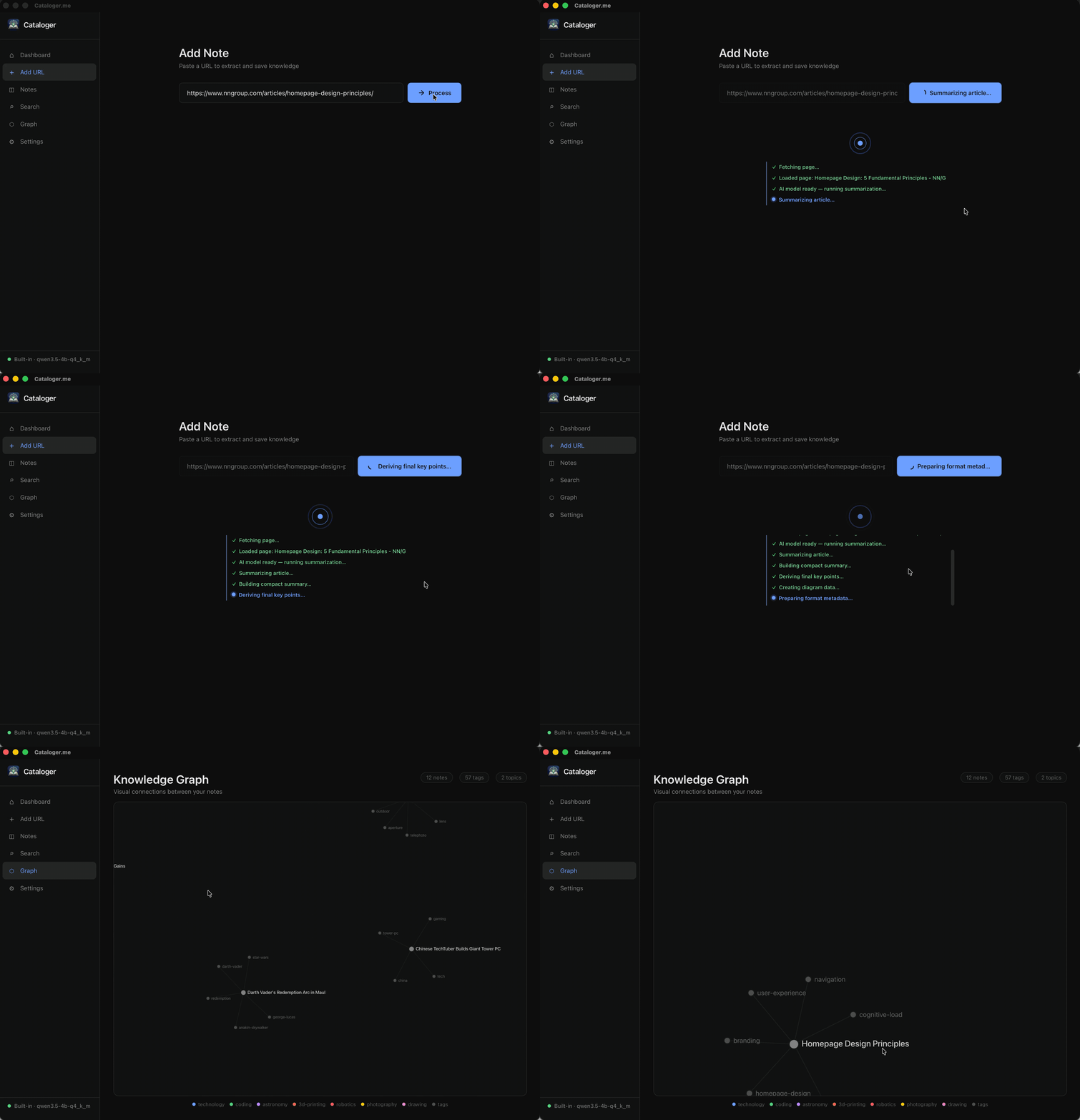
A fast native Mac app: use the included assistant on your machine, or connect one you already use—the choice is yours.
Paste a URL and get structured notes with a title, TL;DR, key points, and an automatic diagram.
Each note is filed into a topic folder from your Settings Topics list—matched from note text, not opaque ML—with YAML frontmatter for search and Obsidian.
Drop PDFs or HTML into a watched folder; new files become notes without extra steps.
Forward links to a bot so saves happen where you already chat—great for mobile captures.
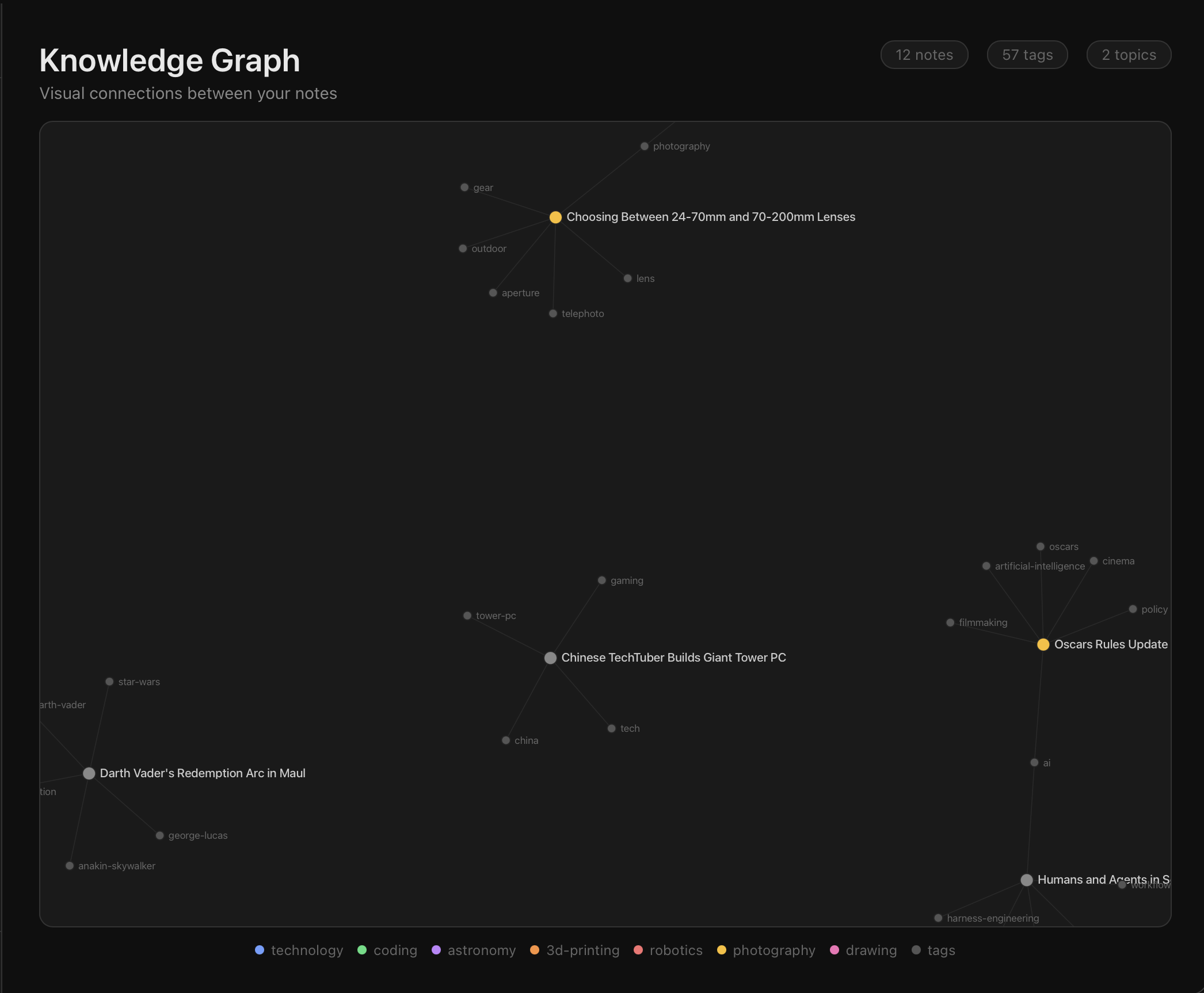
Explore connections between notes and search across your entire library.
Tune extraction style, tone, and output format to match how you think.
Run the built-in assistant locally, or connect a service you already rely on—no lock-in to one provider.
Clip articles and papers into consistent notes so literature reviews and newsletters stay organized.
Capture URLs from Slack or email with WhatsApp forwarding, then read the distilled version in your library.
Keep a local-first archive with the bundled on-device assistant—no separate subscription for the default local setup.
Notes stay in plain, portable files you can open anywhere. Point Obsidian at the same folder if you want its graph and linking on top—no lock-in.
Dashboard, notes, and the knowledge graph—designed for calm, focused work on the desktop.
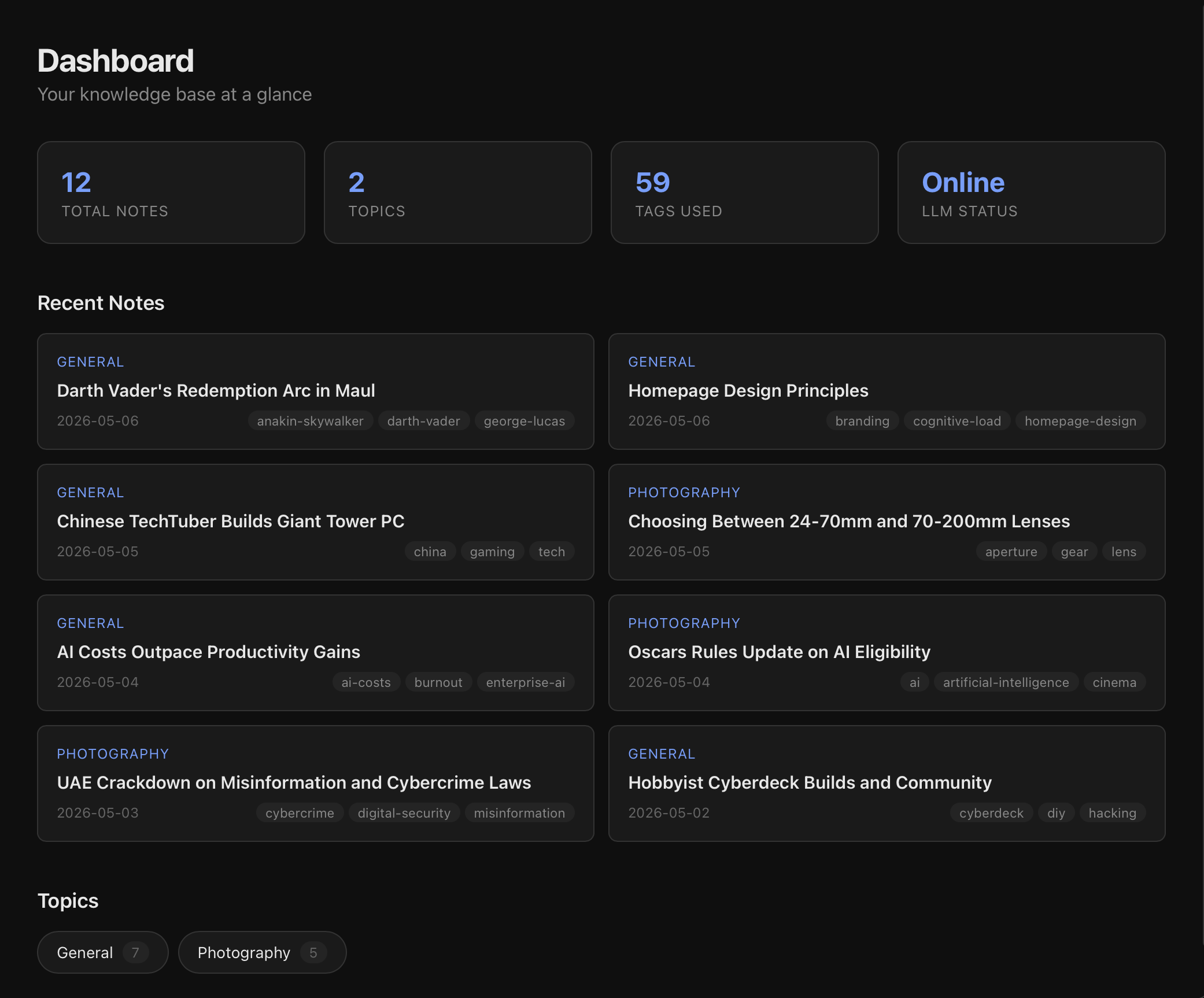
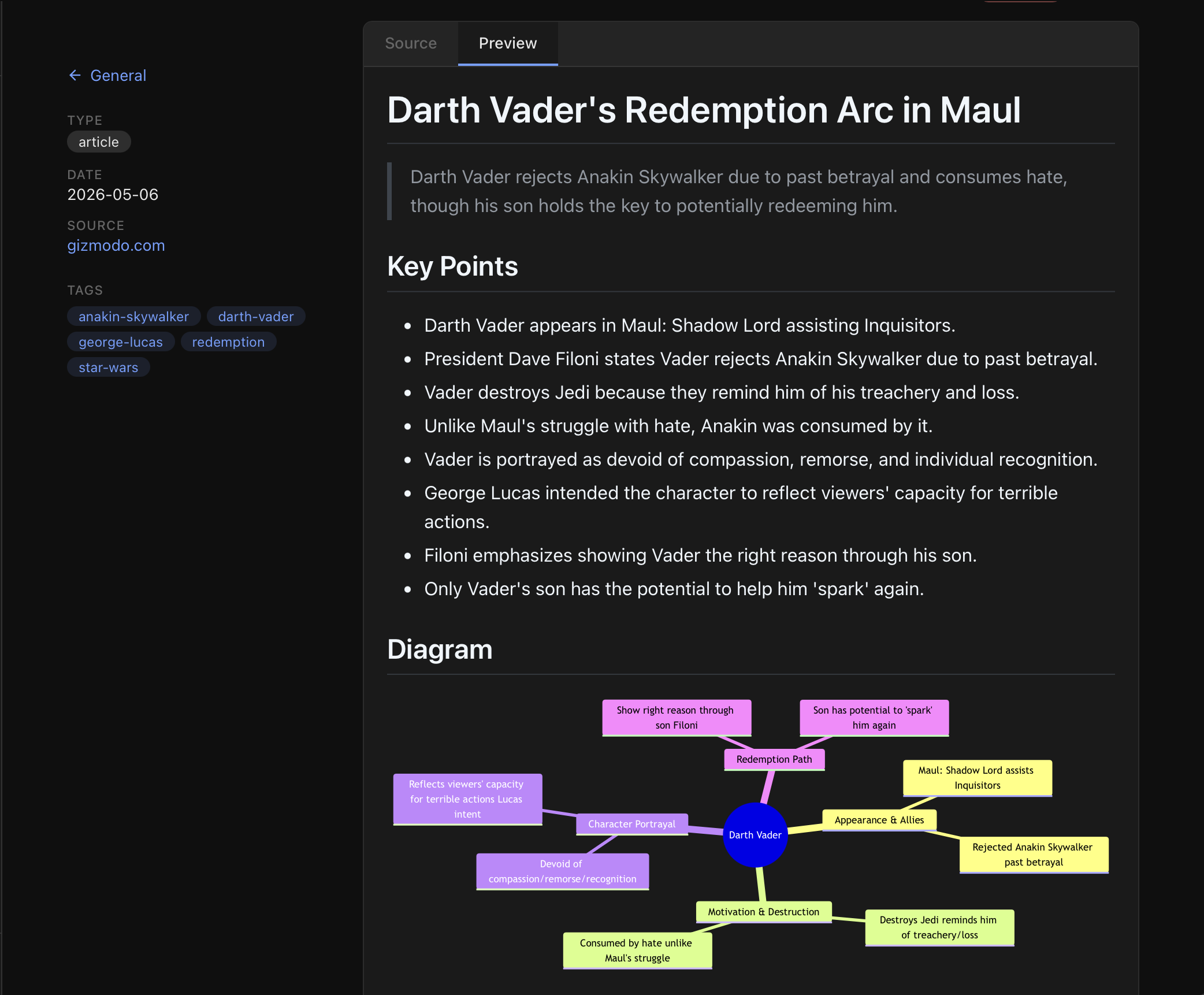
Your library stays on your machine. Keep summarization fully local, or use a remote service when you want—you decide what leaves your Mac.